Remind Tools
Automatic detection
You can simply mention @Hana and describe your request. If the intent is clear, she will automatically run the relevant reminder workflow.
What it does
Reminders can be created from chat for you or teammates.
Supported operations/arguments
| Operation | Invocation Keywords | Description | Supported arguments |
|---|---|---|---|
| Create reminder | remind | Set reminder for yourself or others. | user_reminder_message, reminder_for[], reminder_timestamp, reminder_title, chat_history_summary |
| Edit reminder | reschedule, edit | Update reminder time/message. | reminder_id, updated_reminder_timestamp, updated_reminder_message |
Invocation examples
remindreschedule
@Hana remind @Santhosh to review pending PRs today at 5 pm.
@Hana remind @Santhosh of this tomorrow evening.
@Hana remind @Santhosh again of this in 2 hours.
@Hana remind me to follow up on discord server name change EOD.
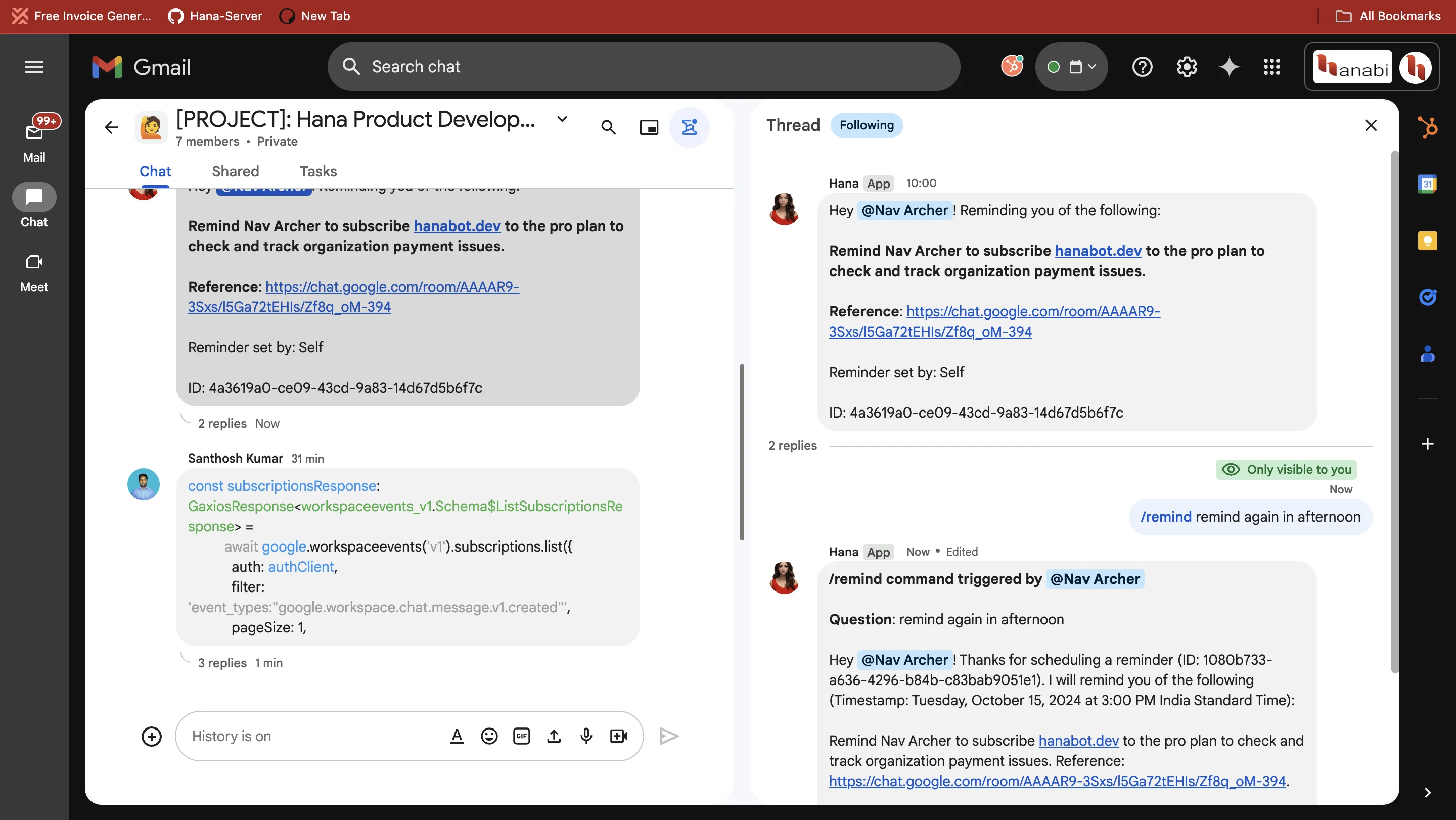
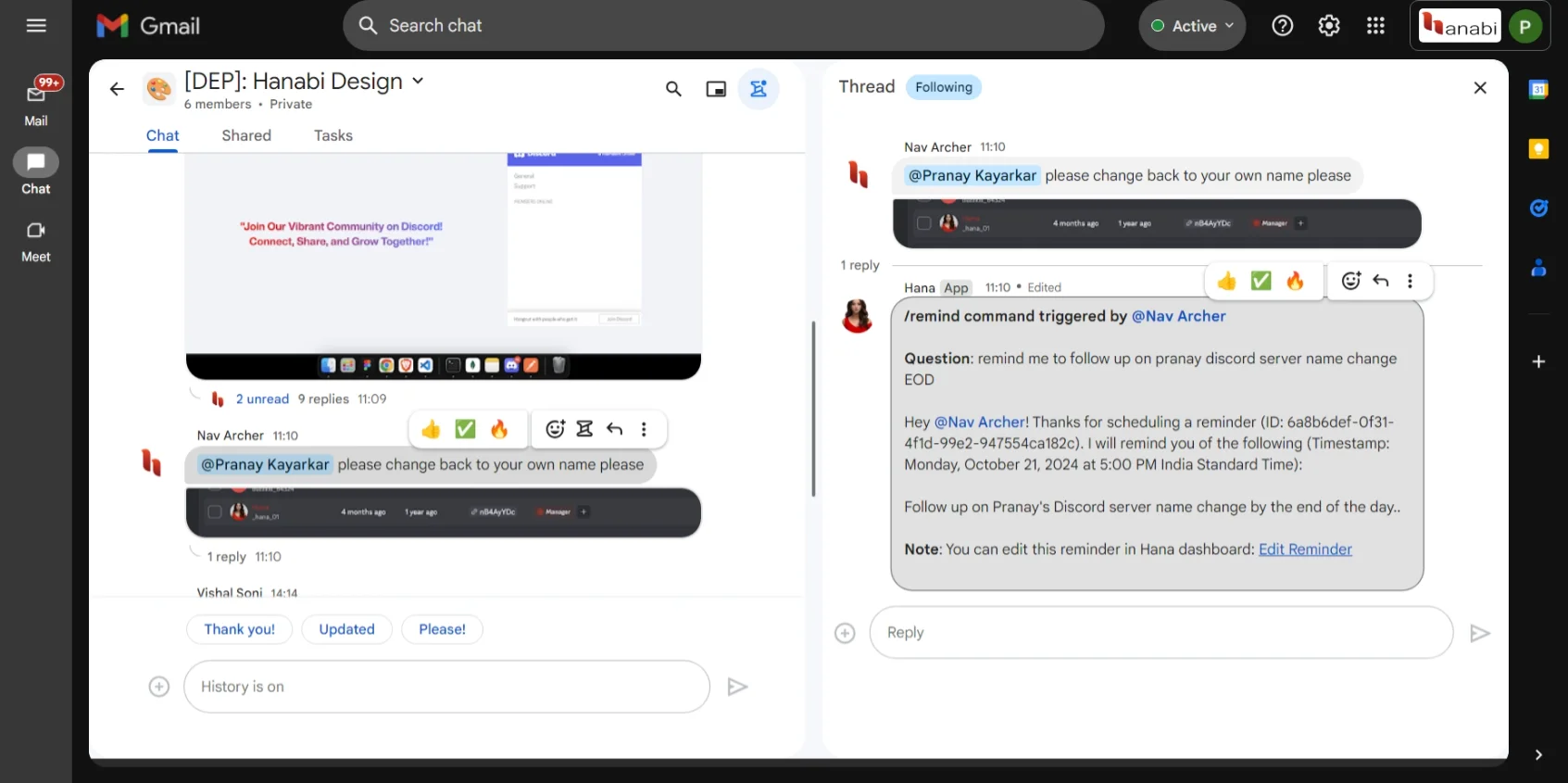
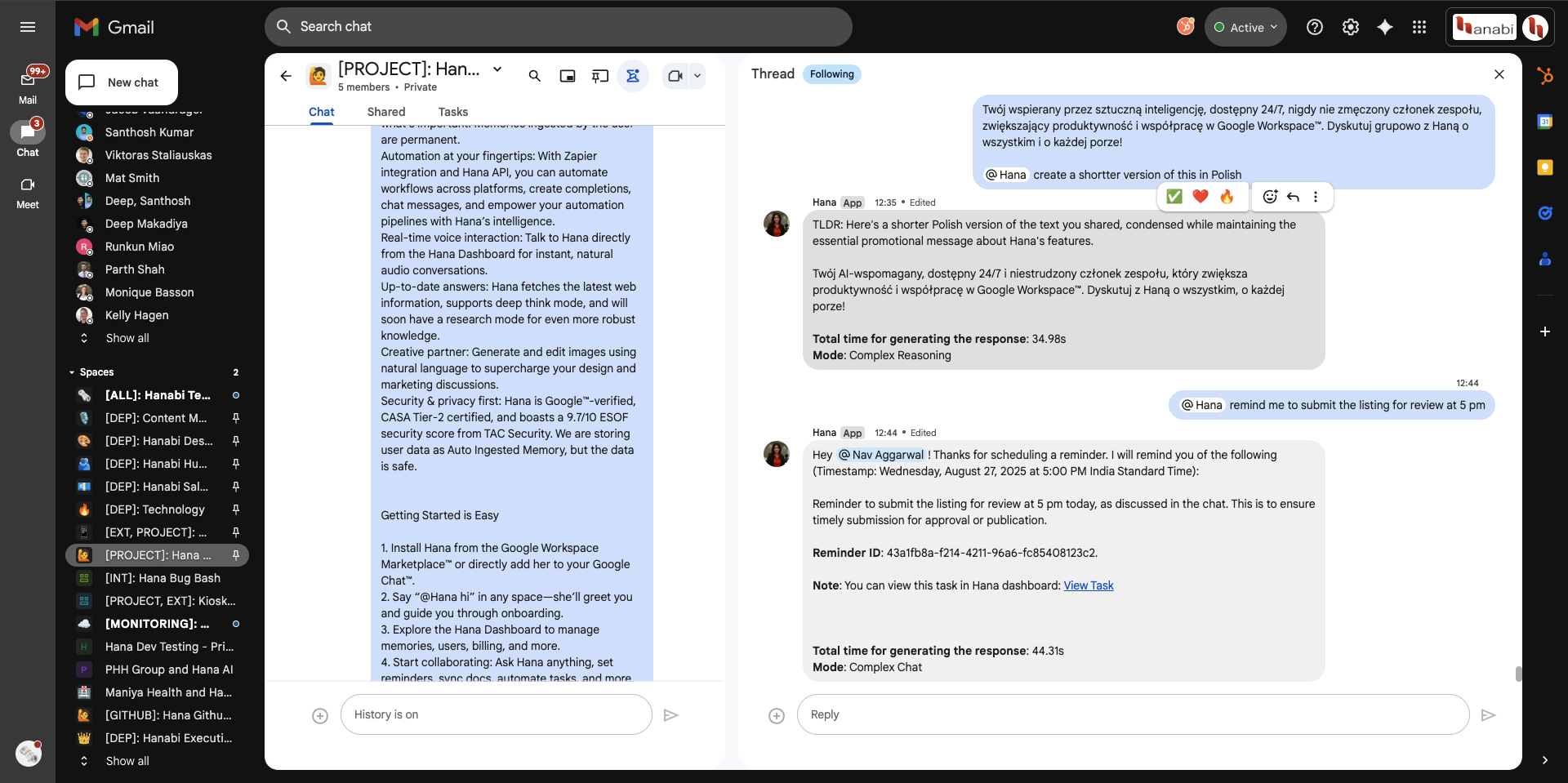
When to use
Use for one-off reminders, person-specific reminders, and follow-up nudges tied to time expressions.
Troubleshooting
- Reminder did not trigger: verify timezone and exact schedule phrase.
- Wrong recipient: include explicit mention in the prompt.
Permissions/limits
- Reminders rely on chat identity and space permissions.
- Natural-language times should include date/time when precision matters.
High-signal invocation
@Hana remind me tomorrow at 5 PM to post the engineering status update.
Edge-case invocation
@Hana remind @A and @B tomorrow 9:15 AM IST to join the incident review and include this thread context.